Knowledge base
How to Grade the Condition of Used Professional Audio Equipment
A practical export-oriented method for assessing, documenting, and communicating the condition of used professional audio equipment before a cross-border sale.
Why condition grading matters in export sales
Condition grading gives buyers a common reference when distance prevents an in-person inspection. For used professional audio equipment, a reliable grade should describe both appearance and working performance. It should never replace detailed evidence such as photographs, test notes, serial-number records, and a list of included accessories.
Use a consistent scale for every item in a shipment. A simple system may include Excellent, Very Good, Good, Fair, and For Parts or Repair. Define each level in writing before applying it. Avoid vague terms such as “like new” unless the equipment genuinely meets a documented standard. The grade should describe the actual unit being sold, not the typical condition of that model.
Inspect the exterior and mechanical condition
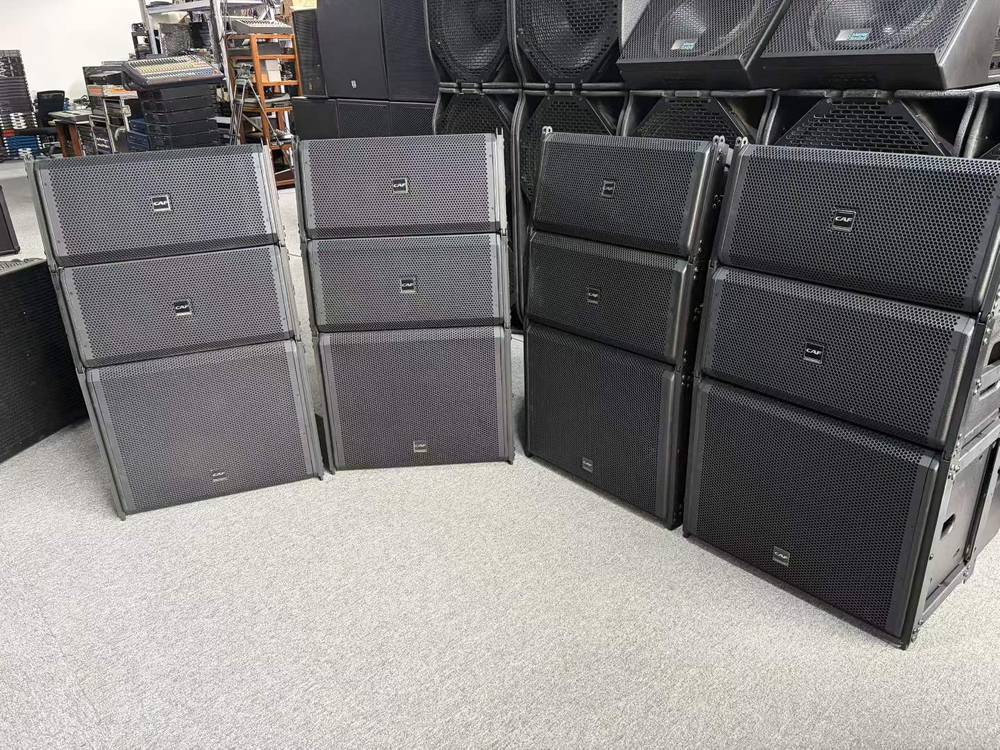
Begin with a visual inspection under good lighting. Record scratches, dents, rack rash, worn lettering, discoloration, corrosion, missing screws, damaged feet, and signs of liquid exposure. For rack equipment, check the ears and chassis alignment. For microphones, inspect the grille, connector, body, clips, and switches. For loudspeakers, examine the cabinet, handles, grilles, wheels, terminals, and suspension components. For mixers and controllers, check faders, knobs, buttons, displays, touchscreens, and connectors.
Mechanical wear can affect value and safe operation even when audio output is normal. Move controls through their full range and note stiffness, looseness, noise, or intermittent response. Do not conceal damage with cleaning or replacement parts. If a component has been repaired, modified, or repainted, state this clearly and identify whether original parts are included.
Test audio performance and functions
Use a repeatable test procedure appropriate to the equipment type. Check power-up behavior, boot time, input and output channels, phantom power, routing, gain controls, meters, headphone output, digital connections, MIDI or network functions, and remote-control features where applicable. For amplifiers, test each channel at a safe operating level and watch for protection faults, overheating, unusual fan noise, or distortion. For loudspeakers, listen for rattles, rubbing voice coils, imbalance, and abnormal noise.
Document what was tested, the date, test setup, and any limitations. A unit may be graded “Good” while having a nonessential feature that was not tested, but that limitation must be disclosed. Never describe equipment as fully working if only a brief power test was completed. Include battery condition, software or firmware status, and reset or account-lock information when relevant.
Document the grade for international buyers
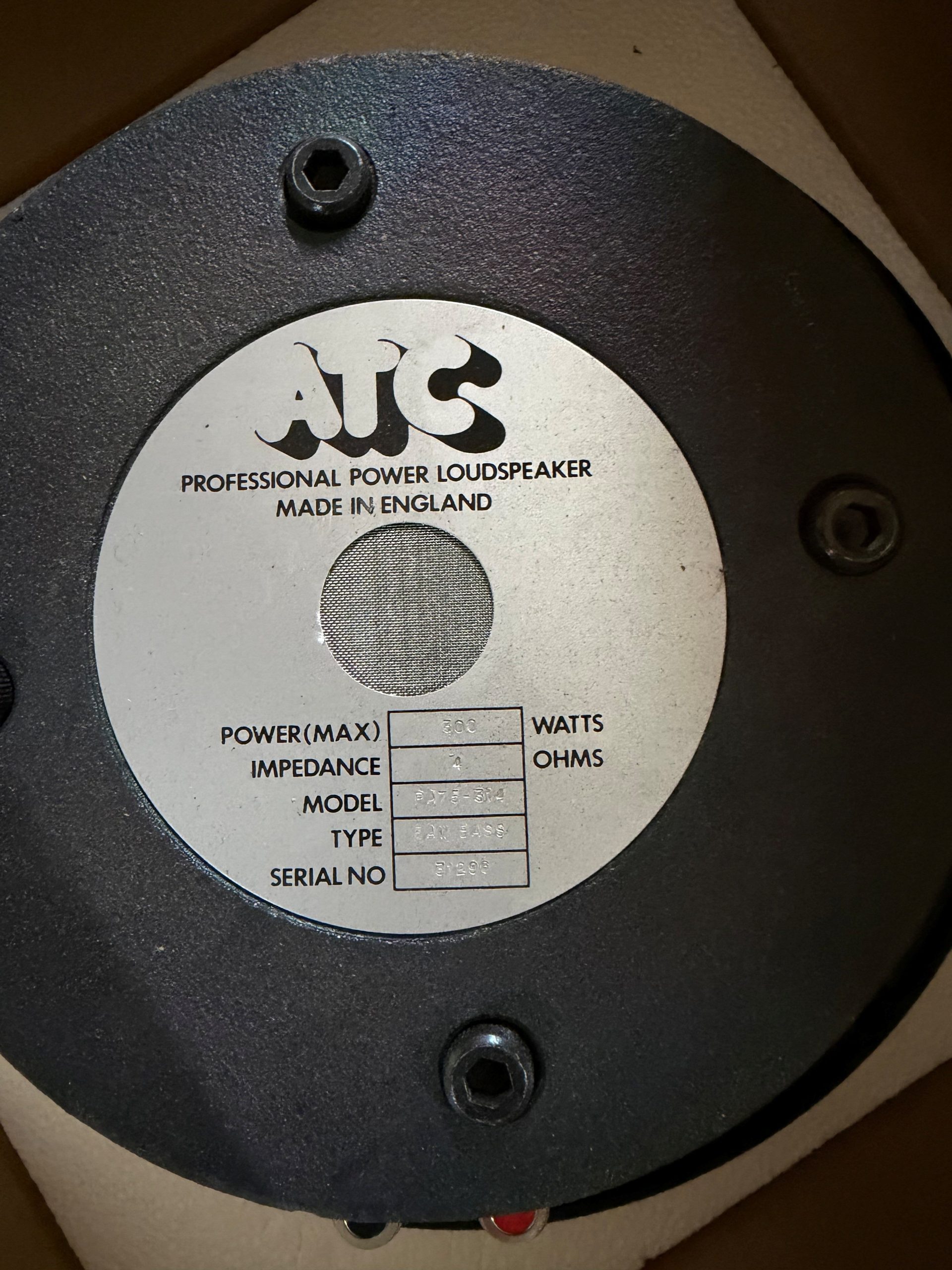
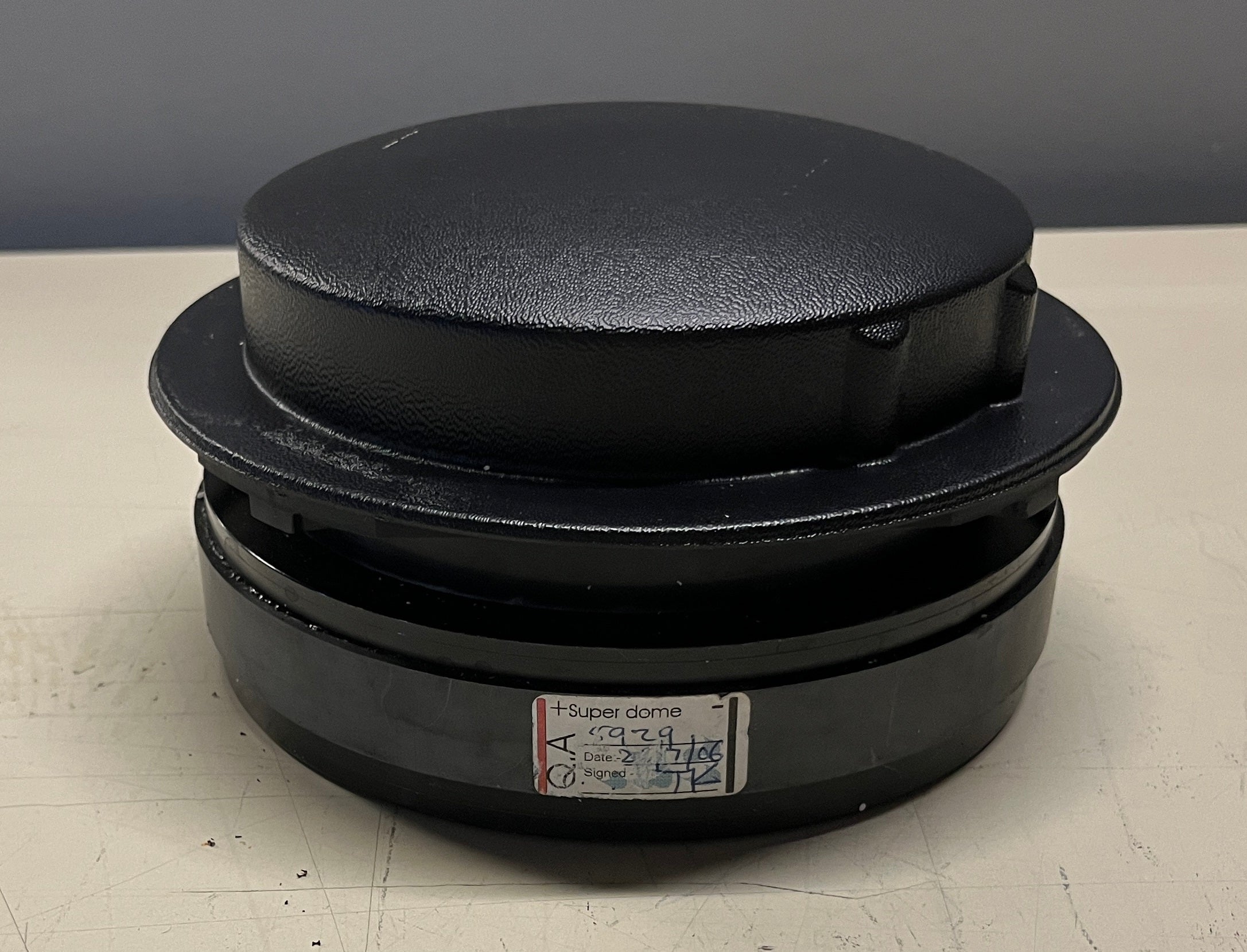
Prepare a condition report with the model, serial number, grade, test results, defects, repairs, included accessories, and excluded items. Link photographs to the report and show all notable defects, connectors, labels, and serial-number plates. Keep copies of service records, manuals, and test files when available. Confirm whether cables, power supplies, flight cases, rack ears, mounting hardware, or original packaging are included.
For export transactions, accurate grading supports quotation, inspection, insurance discussions, packing decisions, and customs documentation. It does not create a guarantee or replace the agreed sales terms. State the inspection date and explain that condition can change during storage or transport. Before dispatch, perform a final visual check, record the packed condition, use suitable protective materials, and share the final report with the buyer. Clear evidence reduces disputes and helps professional buyers plan installation, maintenance, and import handling.